


 About SPORTIVO Network
Saving a Volunteer Event Flyer When the Room Number Changes
A small community event can run on tight timing and even tighter design help. Imagine a neighborhood clean-up flyer already approved by the organizers, shared in a group chat, and scheduled for posting across social channels. Then the venue coordinator sends a late update: the sign-in table has moved from Room 104 to Room 118.
The flyer is otherwise finished. The date is correct, the sponsor logos are approved, and the background photo fits the tone. Rebuilding the graphic from scratch would waste time, but posting the wrong room number would send volunteers to the wrong place. This is the kind of narrow, practical problem where editing text directly inside an image can be more useful than opening a full design project.
When a Finished Flyer Has One Wrong Detail
Late changes usually affect small but important text: a room number, a start time, a phone extension, a speaker name, or a short instruction. These edits look simple, yet they can be awkward when the original design file is missing or the volunteer who made it is unavailable.
For a flyer saved as a JPG, PNG, or WebP, the text is no longer a separate editable layer. It has become part of the image. A standard document editor will not let you click the words and rewrite them. Taking a screenshot, covering the old text with a rectangle, and typing over it may work in an emergency, but it often leaves mismatched colors, uneven spacing, or a visible patch.
A better goal is modest: change only the incorrect wording while keeping the rest of the flyer intact. In this scenario, the background, layout, and branding do not need creative revision. They only need protection from unnecessary changes.
A Practical Workflow for the Room Update
Start by checking the original flyer at its intended size. If it will be posted on Instagram, viewed in an email, and printed at a registration desk, the replacement text needs to hold up in each context. Zoom in on the incorrect room number and notice the font weight, background texture, and spacing around the line.
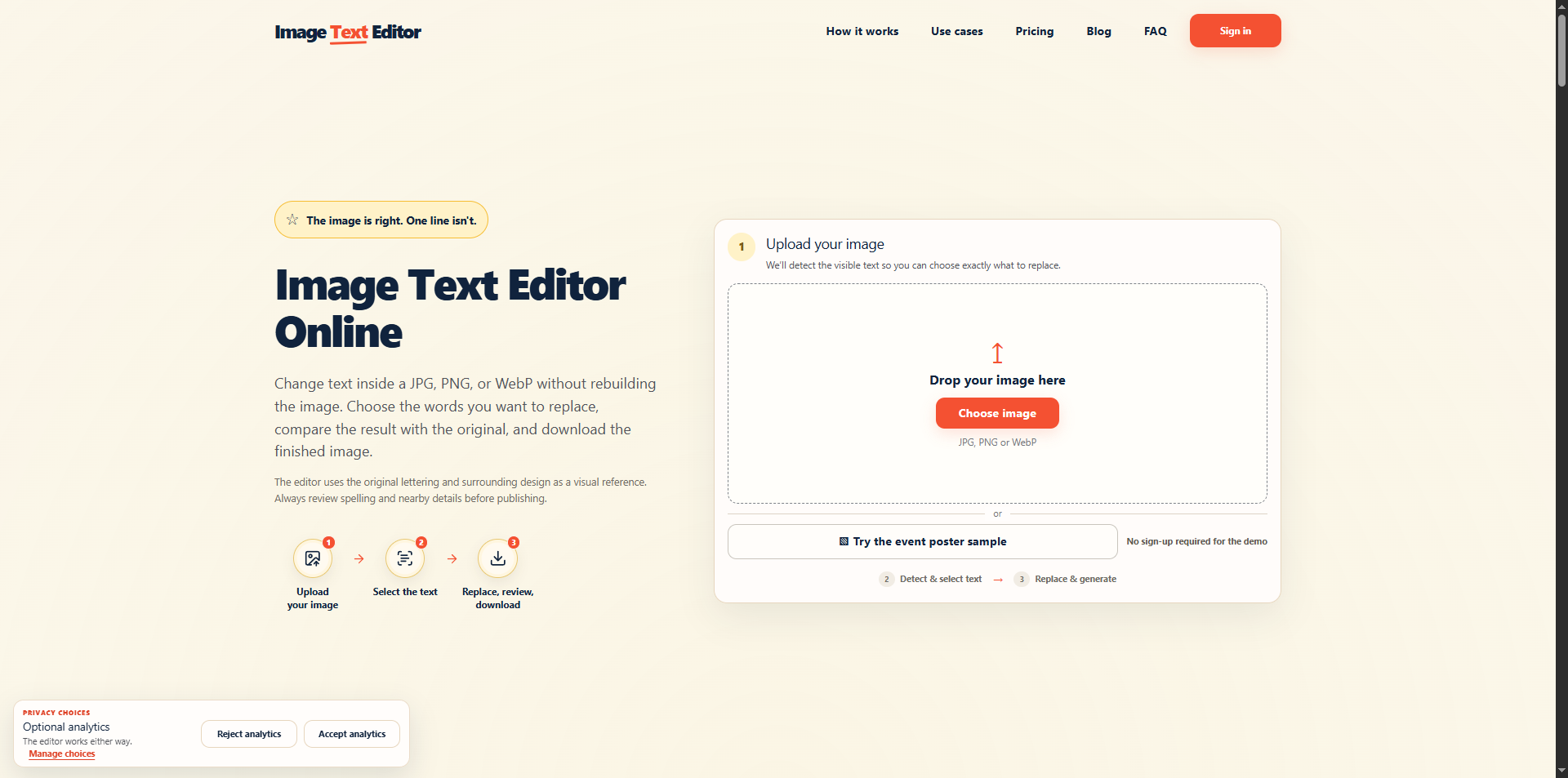
Next, use an image text editor that is built for replacing embedded words rather than redesigning the whole layout. If you are comparing simple options, this one is positioned around selecting text in an existing image, replacing it, comparing the result, and downloading the updated file.
For the clean-up flyer, you would upload the image, select the area containing “Room 104,” and replace it with “Room 118.” Because the rest of the sentence stays the same, the edit remains contained. After the tool generates the changed version, compare it against the original instead of assuming the first result is ready.
What to Review Before Sharing
The most important review is not whether the edit is clever. It is whether the flyer still looks trustworthy. Check that the new room number aligns with the surrounding text and does not appear softer, darker, or oddly stretched. Look at the background behind the replacement area to see whether it blends naturally.
Read the entire flyer again, not only the changed line. A late correction can distract you from another issue, such as an outdated arrival instruction or a shortened address. If multiple people will share the flyer, send the final image to one organizer for a quick confirmation before posting.
Also save the updated file with a clear name, such as neighborhood-cleanup-room-118-final.png. This prevents an older version from being uploaded by mistake. In volunteer settings, file naming is often the difference between a smooth update and a confusing thread full of nearly identical images.
Why This Small Fix Matters
A one-line correction can protect the experience of everyone who shows up. Volunteers do not care which tool fixed the flyer; they care that the information is accurate and easy to read. Organizers care because they can respond to a late change without waiting for a designer or recreating approved artwork.
For small teams, schools, clubs, and local groups, the best editing workflow is often the least dramatic one. Keep the design that already works, correct the specific text that changed, review it carefully, and publish the version people can actually rely on.

 Czech
Czech
 English
 Arabic
 French
 Spanish
 Portuguese
 Deutsch
 Turkish
 Dutch
Dutch
 Italiano
 Russian
 Portuguese (Brazil)
 Greek
Greek