


 About SPORTIVO Network
Turning Conference Badge Photos Into a Clean Follow-Up List
Turning Conference Badge Photos Into a Clean Follow-Up List
After a busy conference, the most valuable notes are often scattered across your phone: badge photos, booth sign-in sheets, speaker slides, and quick snapshots of name cards. The problem is not taking the photos. The problem is turning them into useful text before the memory of each conversation fades.
This article looks at one practical workflow: converting badge and contact photos into a cleaner follow-up list that a sales, partnerships, or community team can actually use.
Start With the Photos That Matter
Not every image deserves to become a record. Before extracting text, spend a few minutes choosing the photos connected to real conversations. A sharp photo of a badge from someone who asked for pricing is more important than a blurry crowd shot with half a logo in the background.
Create a small folder for the event and move only the useful images into it. If your phone captured several versions of the same badge or sign-in sheet, keep the clearest one. This reduces mistakes later and prevents your final list from filling up with duplicate names.
For best results, crop away unnecessary background when possible. OCR tools read what they can see, so a close, well-lit image of a name, company, and email address is much easier to process than a wide photo of a busy booth table.
Extract Text Before You Organize
Many people try to type contact details manually into a spreadsheet first. That is slow and easy to get wrong, especially after a long event day. A better approach is to extract the visible text from each image, then clean it in one focused pass.
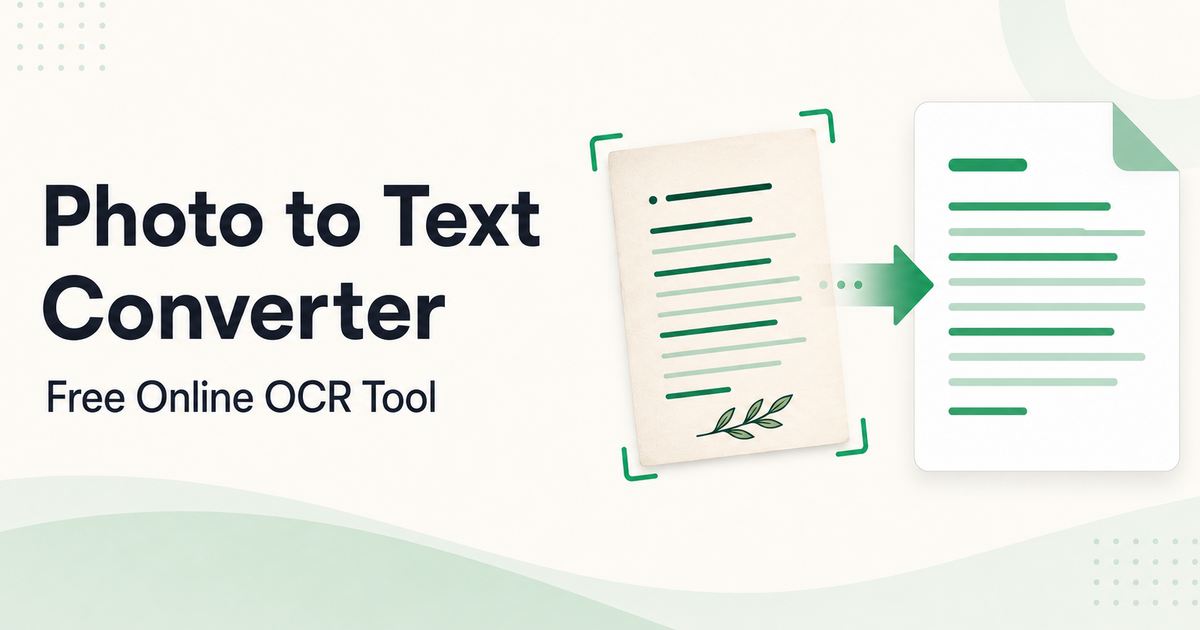
For a simple, no-sign-up step in this workflow, Photo to Text Converter Online is a practical option when you want to upload an image, extract the text, and copy or download the result without adding unnecessary account friction.
Once the text is extracted, paste it into a temporary document rather than directly into your final CRM or spreadsheet. This gives you room to fix broken lines, remove repeated event slogans, and separate names from job titles without worrying about fields yet.
Clean the Contact Context
Conference badge text is rarely perfect. A badge might show a first name in large type, a company name underneath, and a job title in tiny print. Some badges include QR codes, sponsor logos, or track labels that can appear in the extracted result.
Read each converted block with the conversation in mind. If you remember that “Maya, Operations Lead, Northstar Labs” asked about onboarding, add that note next to the extracted text while it is still fresh. The OCR output gives you the raw material, but your memory gives it business value.
It also helps to standardize names and companies immediately. Decide whether you will write “VP” or “Vice President,” whether company suffixes matter, and how to handle missing email addresses. Consistency now saves cleanup time when the list is imported later.
Move From Text to Follow-Up
After cleanup, transfer the information into your spreadsheet or CRM fields. Keep the structure simple: name, company, role, email if available, event, and a short note about the conversation. If a field is uncertain, mark it as uncertain rather than guessing.
This is especially important for outreach quality. A follow-up that says “Great speaking with you about regional distributor training” feels very different from a generic “Nice to meet you at the event.” The extracted text helps identify the person, but the note helps continue the relationship.
Before sending messages, check for duplicates. It is common to photograph the same contact twice, once from a badge and once from a business card. Merge those records so your team does not send two slightly different emails to the same person.
A Small Habit That Protects Event ROI
The best time to process conference photos is within 24 hours, while faces and conversations are still familiar. Waiting a week turns a promising folder of images into a guessing game.
Using OCR for badge and contact photos is not about replacing thoughtful follow-up. It is about removing the typing barrier so your team can spend more time writing relevant messages, confirming next steps, and preserving the momentum created in person.

 Czech
Czech
 English
 Arabic
 French
 Spanish
 Portuguese
 Deutsch
 Turkish
 Dutch
Dutch
 Italiano
 Romaian
 Portuguese (Brazil)
 Greek
Greek