


 About SPORTIVO Network
API Empowerment: Connecting 300+ Platforms to Looker Studio for Unified Reporting
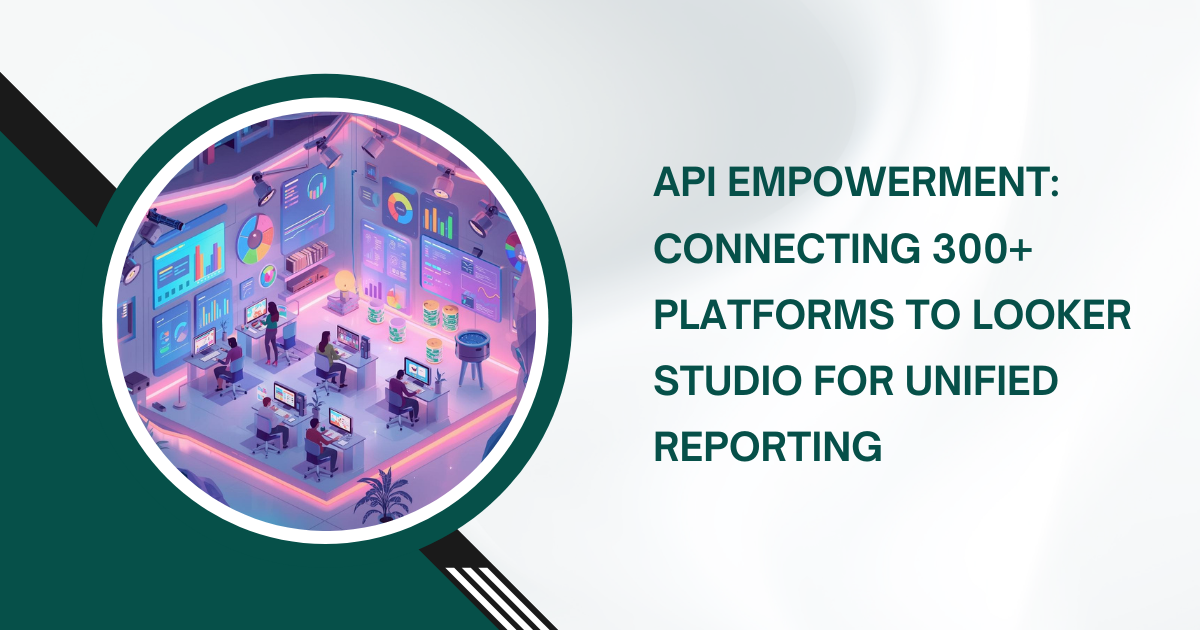
Modern business intelligence requires more than just local data. Today, companies use hundreds of digital tools for daily operations. This fragmentation creates data silos. To fix this, Google Looker Studio serves as a central hub. By using advanced API connections, businesses can link over 300 platforms into a single view. This explores how Google Looker Studio Services help technical teams build these unified reporting systems.
The Technical Shift Toward Unified Reporting
In the past, data lived in separate dashboards. Marketing teams looked at ad portals. Sales teams checked CRMs. This separation made it hard to see the big picture. Today, the goal is "Unified Reporting." This means pulling data from every source into one canvas.
Standard reporting tools often limit users to a few native sources. However, Google Looker Studio supports an extensive library of connectors. These connectors use APIs (Application Programming Interfaces) to fetch data in real-time. As of early 2026, the platform supports over 1,000 data sets through more than 800 partner connectors.
The Architecture of API Integration
When you connect a third-party platform to Looker Studio, you use a "bridge." This bridge is usually a Community Connector.
-
The Request: Looker Studio sends a query to the API endpoint of the external platform (like Facebook Ads or Shopify).
-
The Response: The API returns data in a structured format, such as JSON.
-
The Transformation: The connector translates this JSON into rows and columns that Looker Studio understands.
Scaling to 300+ Platforms
Connecting ten sources is simple. Connecting 300 requires a strategic technical framework. You cannot simply add 300 individual data sources to a single report. This would crash the browser and hit API rate limits.
1. Using Data Warehousing as a Middleware
For high-volume reporting, experts use Google BigQuery as a middle layer.
-
Process: Instead of connecting Looker Studio directly to 300 APIs, you pipe that data into BigQuery first.
-
Benefit: This reduces the load on Looker Studio. It also allows for complex data cleaning before the visualization stage.
-
Stat: Reports backed by BigQuery load up to 40% faster than those using direct third-party API connections for large datasets.
2. Managing API Quotas and Throttling
Every API has a limit. If you refresh a dashboard too often, the external platform might block your requests.
-
The 10,000 Row Limit: Many connectors limit a single query to 10,000 rows. If your data exceeds this, the report might show incomplete results.
-
Concurrent Requests: Native Google connectors (like GA4) have strict concurrent request quotas. Professional Google Looker Studio Services often implement "Extract Data" connectors to cache results. This prevents "Quota Exceeded" errors during peak usage.
Key Benefits of API Empowerment
A unified system does more than just look good. It changes how a business operates.
1. Eliminating Manual Data Entry
Manual reporting is prone to human error. In 2025, surveys showed that analysts spend nearly 30% of their week manually moving data between tools.
-
The Solution: Automated API flows update dashboards every hour or day.
-
Impact: This saves hundreds of labor hours and ensures the data is always fresh.
2. Cross-Channel Data Blending
The real power of Google Looker Studio is the "Join." You can blend data from a LinkedIn Ad campaign with sales data from a Salesforce CRM.
-
Technical Example: Use "Email" or "Campaign ID" as a join key.
-
Outcome: You see exactly how much revenue a specific ad campaign generated, even if the data comes from two different platforms.
|
Feature |
Direct API Connection |
BigQuery Managed Connection |
|
Setup Speed |
Minutes |
Hours/Days |
|
Data Volume |
Low to Medium |
High to Enterprise |
|
Transformation |
Basic |
Advanced (SQL) |
|
Cost |
Often Free/Subscription |
Usage-based (Storage + Query) |
Technical Challenges and Solutions
Even with powerful APIs, technical hurdles exist. Expert Google Looker Studio Services focus on solving these three main issues.
1. Data Discrepancy Management
Sometimes the numbers in Looker Studio do not match the numbers in the source platform. This often happens because of "Attribution Windows."
-
The Problem: Facebook might report a sale on the day of the ad click. Google Analytics might report it on the day of the purchase.
-
The Solution: Use a unified date dimension in your API calls to align all sources to a single timeline.
2. Dashboard Latency
A report with 50 charts will be slow. Each chart triggers a separate API call.
-
Optimization: Use "Report Level Filters" to limit the initial data load.
-
The "Six-Minute" Rule: Looker Studio has a 6-minute timeout for queries. If an API takes longer than this to respond, the chart will fail. Professional setups use pre-aggregated tables to keep query times under 5 seconds.
3. Security and Governance
Connecting 300 platforms means managing 300 sets of credentials.
-
Best Practice: Use Service Accounts instead of individual user accounts. This ensures that the report does not break if an employee leaves the company.
-
Looker Studio Pro: For enterprise security, the Pro version allows for "Team Workspaces" and "Identity and Access Management" (IAM). This gives admins granular control over who can see which API connection.
Real-World Use Case: Global Retail Hub
Imagine a retail brand selling on Amazon, eBay, Walmart, and their own website. They use 15 different marketing channels and 3 different shipping providers.
-
Before Optimization: The team spent every Monday morning creating a "Master Spreadsheet." This took 6 hours.
-
The Google Looker Studio Solution: They implemented a BigQuery-backed architecture. APIs fetched data from all 20+ sources automatically.
-
The Result: The "Monday Report" now updates in real-time. The team identified a 12% waste in ad spend on a specific platform that they previously could not track properly.
Conclusion
API empowerment is the only way to stay competitive in a data-heavy world. By connecting 300+ platforms, you turn a chaotic mess of tabs into a clear, strategic map. Google Looker Studio provides the canvas, but the API connections provide the fuel.
Investing in professional Google Looker Studio Services ensures that these connections are stable, secure, and fast. As data volumes grow toward 2030, the ability to unify information will define successful businesses.

 Czech
Czech
 English
 Arabic
 French
 Spanish
 Portuguese
 Deutsch
 Turkish
 Dutch
Dutch
 Italiano
 Russian
 Romaian
 Greek
Greek