


 Android App
 About SPORTIVO Network
How to Watch Magis TV on PC (Windows & Mac) Easy Installation Guide
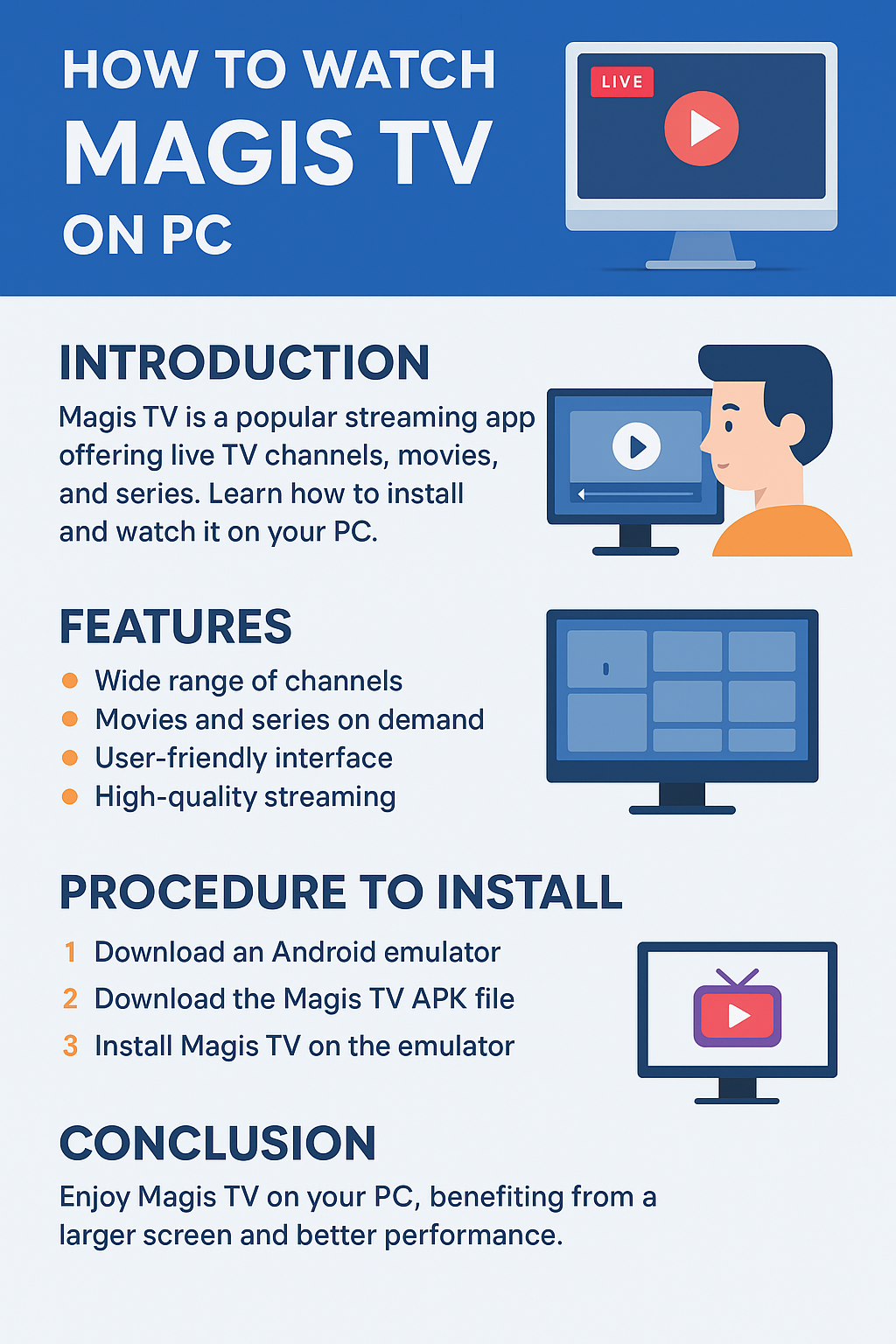
Magis TV has become a popular streaming app among users who want access to live TV channels, movies, and series from around the world, all in one place. Originally designed for mobile and smart TV platforms, many users are now looking for ways to enjoy Magis TV on a bigger screen, like a PC or laptop. Watching Magis TV on your computer gives you the convenience of a larger display, better sound, and easier navigation. In this guide, we’ll walk you through what Magis TV offers and how to install and watch it on your PC.
Key Features of Magis TV
Before proceeding with the installation steps, it’s worth considering what makes Magis TV so popular among streaming fans.
-
Wide Range of Channels: Magis TV gives access to live TV from various countries, covering sports, entertainment, news, and kids’ content.
-
Movies and Series on Demand: You can stream hundreds of movies and TV shows anytime without the need for cable or satellite subscriptions.
-
User-Friendly Interface: Its clean and organized layout makes it simple for users to browse and find what they want to watch.
-
High-Quality Streaming: Depending on your internet speed, you can stream in HD for a crisp and clear viewing experience.
-
Affordable Subscription Plans: Compared to traditional cable packages, Magis TV offers cost-effective plans with no long-term contracts.
-
Multi-Platform Access: The app is available for Android, Firestick, and Smart TVs—and, with the right setup, can also run smoothly on Windows and macOS computers.
How to Install Magis TV on PC
Since Magis TV is primarily an Android application, it’s not available as a native Windows or Mac app. However, you can easily install Magis TV on your PC using an Android emulator. Here’s a step-by-step guide to get you started.
Step 1: Download an Android Emulator
An emulator allows your PC to run Android apps. The most reliable options are BlueStacks, Nox Player, and LDPlayer.
-
Visit the official website of your chosen emulator.
-
Download and install it following the on-screen instructions.
-
Once installed, open the emulator and log in with your Google account (just like setting up a new Android device).
Step 2: Download the Magis TV APK File
Because Magis TV isn’t available on the Google Play Store, you’ll need to get the APK file from the official Magis TV website or a trusted source.
-
Open your web browser and search for “Magis TV APK download.”
-
Make sure you choose a legitimate site to avoid malware or fake versions.
-
Download the latest APK file to your PC.
Step 3: Install Magis TV on the Emulator
-
Launch your emulator (e.g., BlueStacks).
-
Drag and drop the Magis TV APK file into the emulator window, or use the “Install APK” option.
-
Wait for the installation to complete. Once done, you’ll see the Magis TV app icon on your emulator’s home screen.
Step 4: Launch and Start Watching
-
Click on the Magis TV icon to open the app.
-
Log in with your account details or sign up if you’re a new user.
-
Explore the channels, movies, and shows—then start streaming directly from your PC.
Conclusion
Watching Magis TV on your PC is simple once you know how to set it up. Using an Android emulator gives you full access to the same features you’d get on a phone or TV—but with the added benefit of a larger screen and easier navigation. Whether you’re catching up on your favorite shows, streaming live sports, or discovering new movies, Magis TV on PC offers a convenient and enjoyable viewing experience. Just make sure to download the app from a trusted source and enjoy your entertainment safely and smoothly.

 Czech
Czech
 English
 Arabic
 French
 Spanish
 Portuguese
 Deutsch
 Turkish
 Dutch
Dutch
 Italiano
 Russian
 Romaian
 Greek
Greek