


 Android App
 About SPORTIVO Network
Office 365 Tenant to Tenant Migration – Best Practices for a Smooth Microsoft 365 Transition
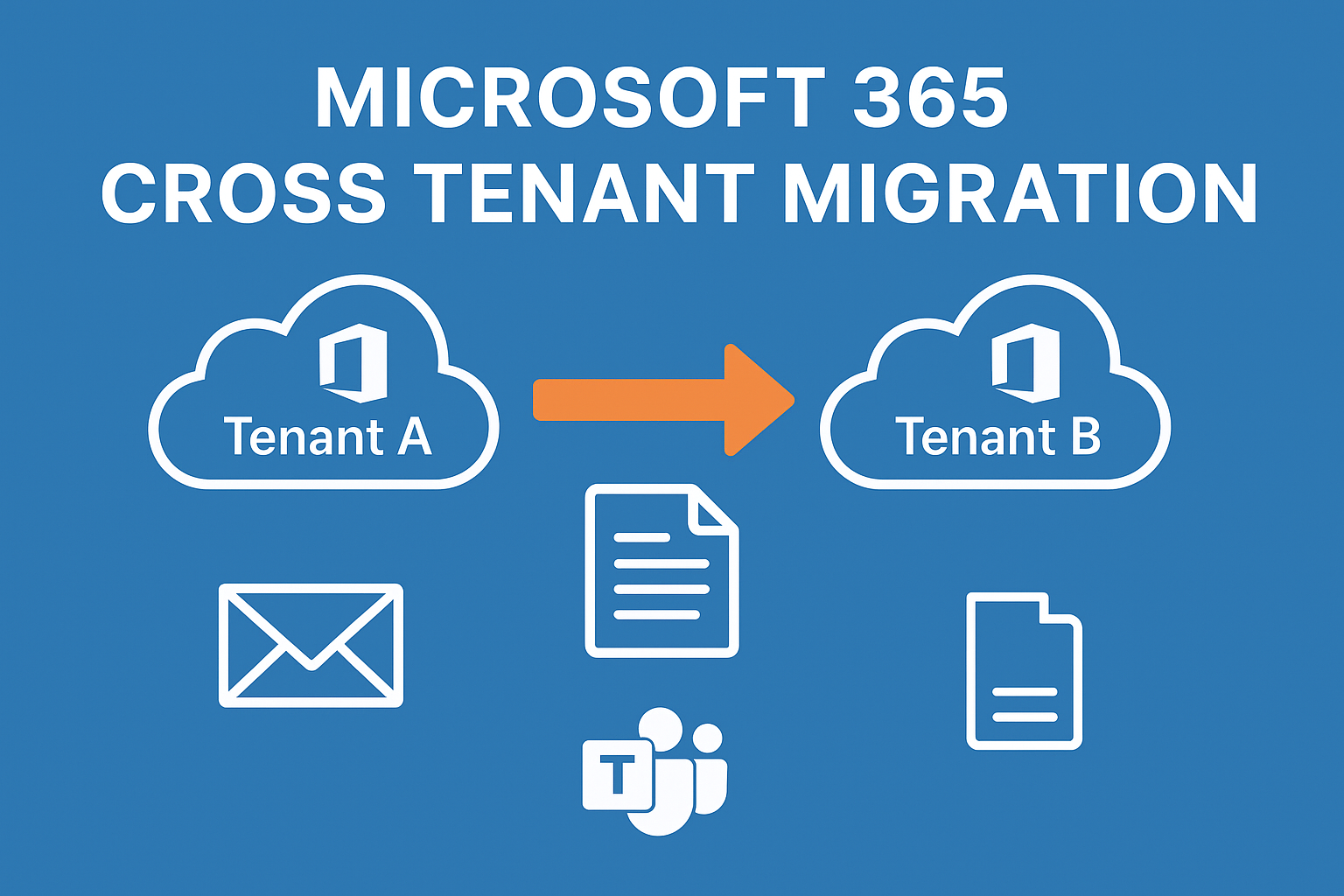
Modern businesses rely heavily on cloud productivity platforms to manage communication and collaboration. As organizations grow, restructure, or merge with other companies, they often need to move their Microsoft 365 data to a new tenant environment. This process is known as Office 365 tenant to tenant migration.
A tenant represents a dedicated cloud environment where users, domains, and services are managed. Migrating from one tenant to another means transferring mailboxes, documents, collaboration tools, and user permissions without affecting daily business operations.
Because of the complexity involved, tenant migration requires a strategic approach to maintain security, data integrity, and user productivity.
Why Organizations Perform Tenant Migration
Companies initiate tenant-to-tenant migration for several reasons:
-
Business mergers and acquisitions
-
Corporate rebranding or domain changes
-
Tenant consolidation to simplify administration
-
Organizational restructuring
-
Security or compliance improvements
In each case, organizations must ensure that their data inside Microsoft 365 remains accessible and protected during the transition.
Challenges in Tenant-to-Tenant Migration
Even though Microsoft provides migration tools, tenant migration can still be difficult due to technical limitations and dependencies.
Some common challenges include:
-
Domain verification conflicts
-
Permission mismatches in SharePoint and OneDrive
-
Limited native support for Microsoft Teams data migration
-
Complex user mapping requirements
-
Email downtime during DNS updates
-
Large data volumes requiring long migration windows
These challenges often occur when relying solely on manual migration methods within Office 365 environments.
Best Practices for Successful Tenant Migration
To ensure a successful migration, organizations should follow several key best practices.
1. Conduct a Pre-Migration Assessment
Before migrating any data, administrators must analyze both the source and destination tenants. This includes reviewing mailbox sizes, storage usage, user accounts, and domain configurations.
Proper assessment helps identify risks early and allows administrators to create a detailed migration plan.
2. Prepare User Accounts and Licenses
All users must exist in the destination tenant before migration begins. Assigning appropriate licenses ensures that users can access services such as Exchange Online, OneDrive, and Teams after the migration.
3. Plan Domain Transition Carefully
Domains can only exist in one tenant at a time. Administrators must carefully schedule domain removal from the source tenant and verification in the destination tenant to avoid email delivery disruptions.
4. Use Secure Authentication Methods
Migration tools should use modern authentication protocols such as OAuth to ensure secure data transfer and prevent credential exposure.
5. Perform Incremental Migration
Incremental migration allows administrators to transfer data in phases. New emails and files created during the migration window can be synchronized before final cutover, reducing the risk of missing data.
Using a Professional Migration Solution
Because tenant migration can be complex, many organizations rely on automated solutions. The MailsDaddy Cross-Tenant Migration Service provides a structured approach to migrating Microsoft 365 environments.
The service supports migration of:
-
Exchange Online mailboxes
-
Contacts and calendars
-
OneDrive for Business files
-
SharePoint Online sites
-
Microsoft Teams chats and channels
-
Microsoft 365 Groups
By automating these tasks, businesses can reduce migration time and minimize operational risk.
Learning More About Tenant Migration
Administrators who want to understand how tenant migration works can watch a step-by-step tutorial on YouTube.
Watch here:
https://www.youtube.com/watch?v=BjMrYwTgjp0
This video explains the technical aspects of tenant migration and offers useful guidance for IT professionals.
Conclusion
Office 365 tenant to tenant migration is an essential process for organizations undergoing structural or operational changes. While the process may appear complex, following best practices and using reliable tools can ensure a successful migration.
With proper planning and solutions like the MailsDaddy Cross-Tenant Migration Service, businesses can move their Microsoft 365 data securely, efficiently, and without downtime.
Learn more about the service here:
https://www.mailsdaddy.com/services/cross-tenant-migration.php

 Czech
Czech
 Arabic
 French
 Spanish
 Portuguese
 Deutsch
 Turkish
 Dutch
Dutch
 Italiano
 Russian
 Romaian
 Portuguese (Brazil)
 Greek
Greek